
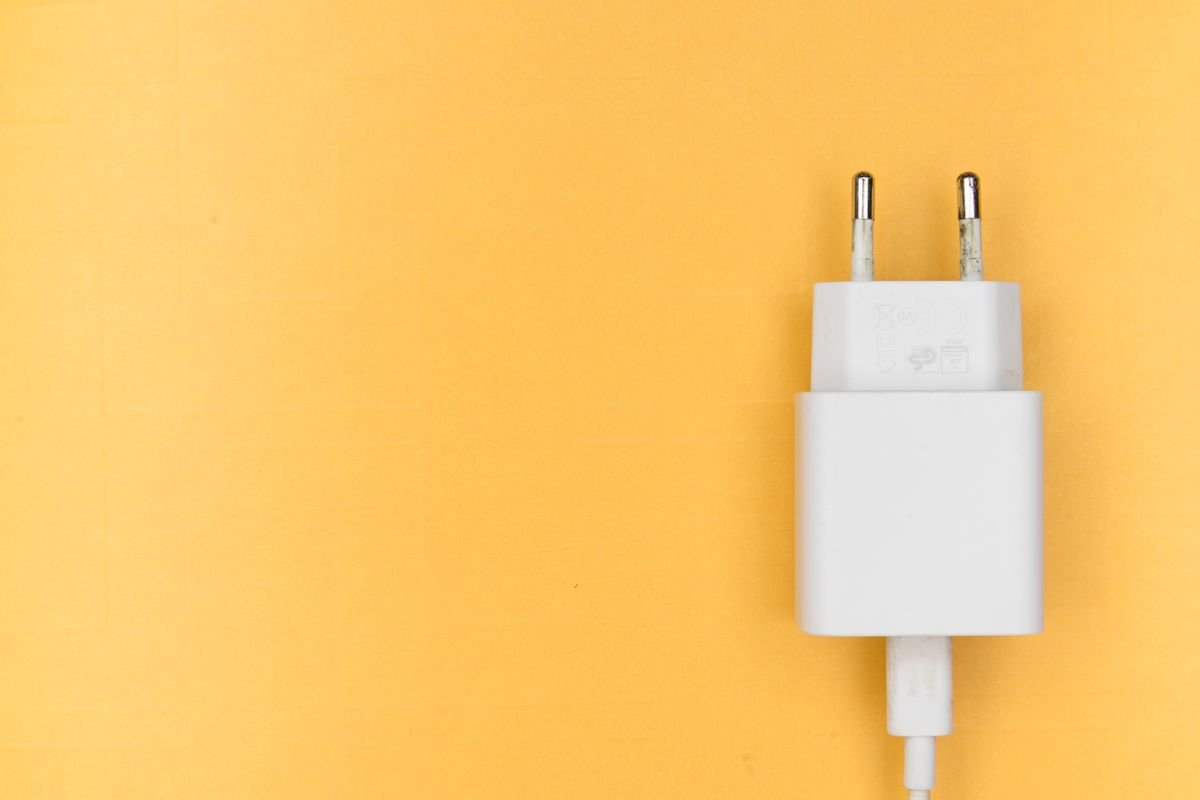
Charging technology has moved on dramatically over the last few years, and if you have shopped for a new adapter recently you have almost certainly seen the letters “GaN” appear again and again. Picking the right GaN charger can genuinely change how you power your devices, replacing a drawer full of bulky bricks with a single compact unit that charges everything faster. With so many wattages, port combinations, and price points to choose from, though, it helps to understand what actually matters before you spend your money. This guide walks through everything you need to weigh up so you can buy once and buy well.
What Is a GaN Charger?
GaN stands for gallium nitride, a semiconductor material that has begun to replace the silicon used in traditional power adapters. Without getting too technical, gallium nitride handles heat and electricity far more efficiently than silicon, which means a GaN charger can deliver the same amount of power from a much smaller and cooler package. That efficiency is the reason a modern GaN unit barely bigger than a matchbox can outperform the chunky laptop brick you may have carried around for years. It is a genuine leap forward rather than a marketing gimmick, and once you have used one it is hard to go back.
Why GaN Beats a Traditional Charger
The advantages come down to three things: size, heat, and speed. Because gallium nitride wastes less energy as it converts mains power, a GaN charger runs noticeably cooler and can be built into a far more compact shell. That smaller footprint is a huge win for anyone who travels or works from more than one location. The improved efficiency also allows higher wattages and faster charging without the adapter becoming uncomfortably hot to touch. In short, you get more power in less space, which is exactly what most people want from a charger they will rely on every day.
How Much Power Do You Actually Need?
Wattage is where a lot of buyers get confused, so it helps to match the charger to your devices rather than chasing the biggest number. A phone or a pair of wireless earbuds is happy with anything from 20W upwards. A tablet benefits from around 30W, while most ultrabooks and lightweight laptops charge comfortably at 65W. If you own a larger or more powerful laptop, look at 100W and above so it can charge at full speed even while you work. The good news is that a quality USB-C fast charger is backwards compatible, so a higher-wattage model will still safely charge your smaller gadgets at exactly the right speed for each one.
Ports and Charging More Than One Device
One of the best reasons to switch to GaN is the ability to charge several devices from a single wall socket. Multi-port models with a mix of USB-C and USB-A connections let you top up a laptop, a phone, and a pair of earbuds all at once, which quickly clears the clutter of separate plugs. When comparing options, pay close attention to how the total power is shared between ports. The better chargers split their wattage intelligently, giving your laptop the lion’s share when it needs it and rebalancing automatically as other devices finish. That smart distribution is what separates a genuinely useful multi-port charger from one that slows to a crawl the moment you plug in a second device.
Size, Travel, and Everyday Life
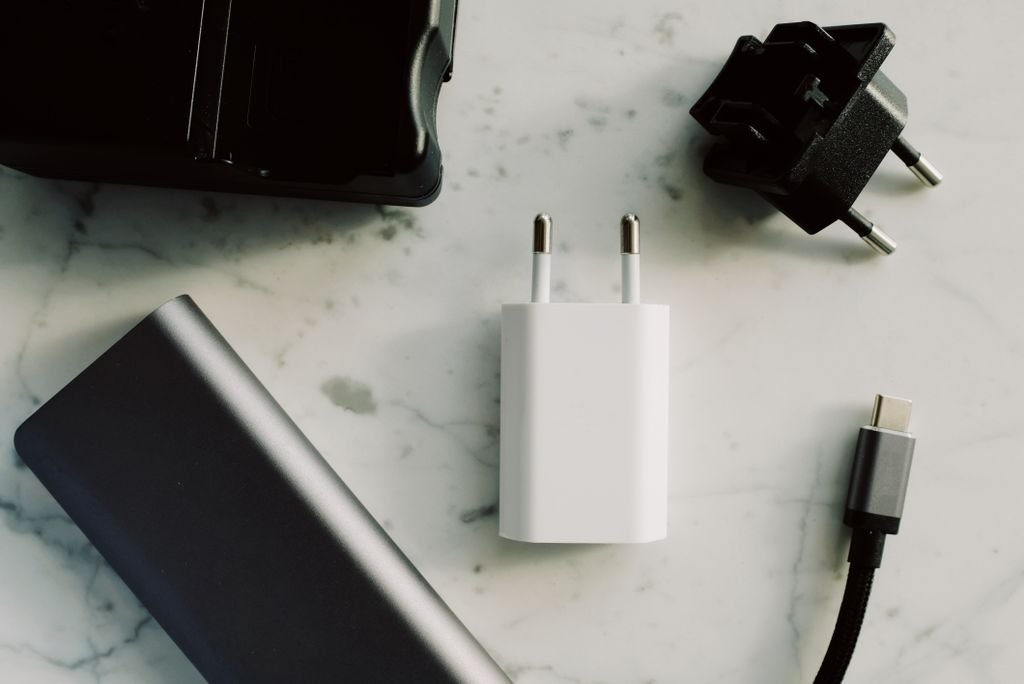
If you move between home, the office, and the occasional trip away, the compact nature of GaN really shines. A single small adapter can replace two or three separate chargers in your bag, and foldable pins make it even easier to slip into a pocket or pouch. For international travellers, look for a model that accepts a wide voltage range so it works reliably in different countries with nothing more than a simple plug adapter. The whole point of GaN is to let you carry less while charging more, and the best models deliver precisely that without asking you to compromise on speed.
What to Look for in the Best GaN Charger
Beyond wattage and ports, a few features mark out the best GaN charger for long-term use. Support for common fast-charging standards such as USB Power Delivery ensures compatibility with the widest possible range of phones, tablets, and laptops. Built-in safety protections against overheating, overcurrent, and short circuits protect both the charger and whatever is plugged into it, which matters when you leave devices charging overnight. Solid build quality and a reputable brand warranty are also worth paying a little more for, because a charger is something you will use every single day for years, and a reliable one simply disappears into your routine.
How to Choose the Right One for You
Start by listing the devices you charge most often and note the most demanding one, which is usually your laptop. Choose a charger whose total output comfortably covers that device, then check it has enough ports for everything else you want to charge at the same time. If portability matters most, favour a smaller single or dual-port model that slips easily into a bag. If you would rather have a desk hub that powers your whole setup from one socket, step up to a higher-wattage multi-port unit and leave it plugged in permanently. Matching the charger to your real routine, rather than buying on wattage alone, is the surest way to be happy with your choice months down the line.
The Bottom Line
A GaN charger is one of the simplest and most satisfying upgrades you can make to your daily tech, cutting clutter while charging your devices faster and cooler than an old-fashioned brick ever could. Focus on the wattage your most demanding device needs, the number and type of ports you will actually use, and the safety features that keep everything protected. Once you are clear on those three things, the right choice tends to become obvious. The range from UGREEN is a great place to start if you want compact, dependable charging that keeps up with a modern, multi-device lifestyle.
For more helpful tips and inspiration, visit 2MinuteRead.